AI assistants, web dashboard & mobile app
Chatzora
A place to build assistants and manage customer conversations.
Chatzora is for businesses that want an assistant to answer questions from their website, documents, and other knowledge. I built the dashboard, knowledge processing, chat widget, channel integrations, and a companion mobile app.

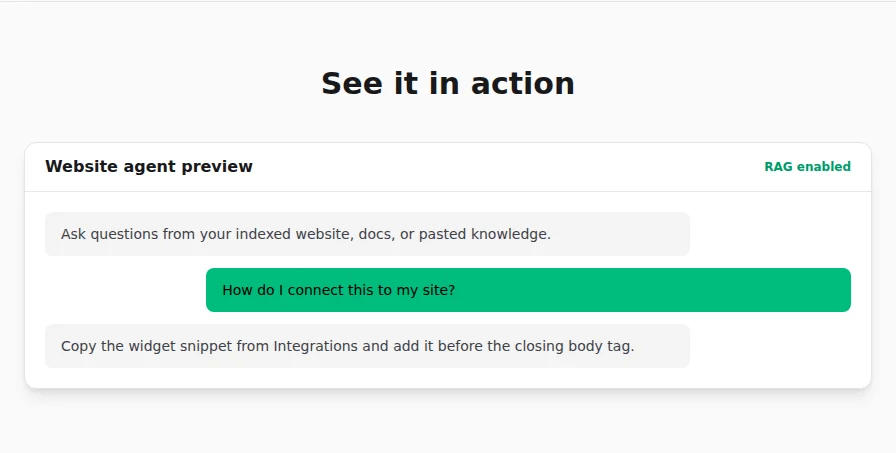
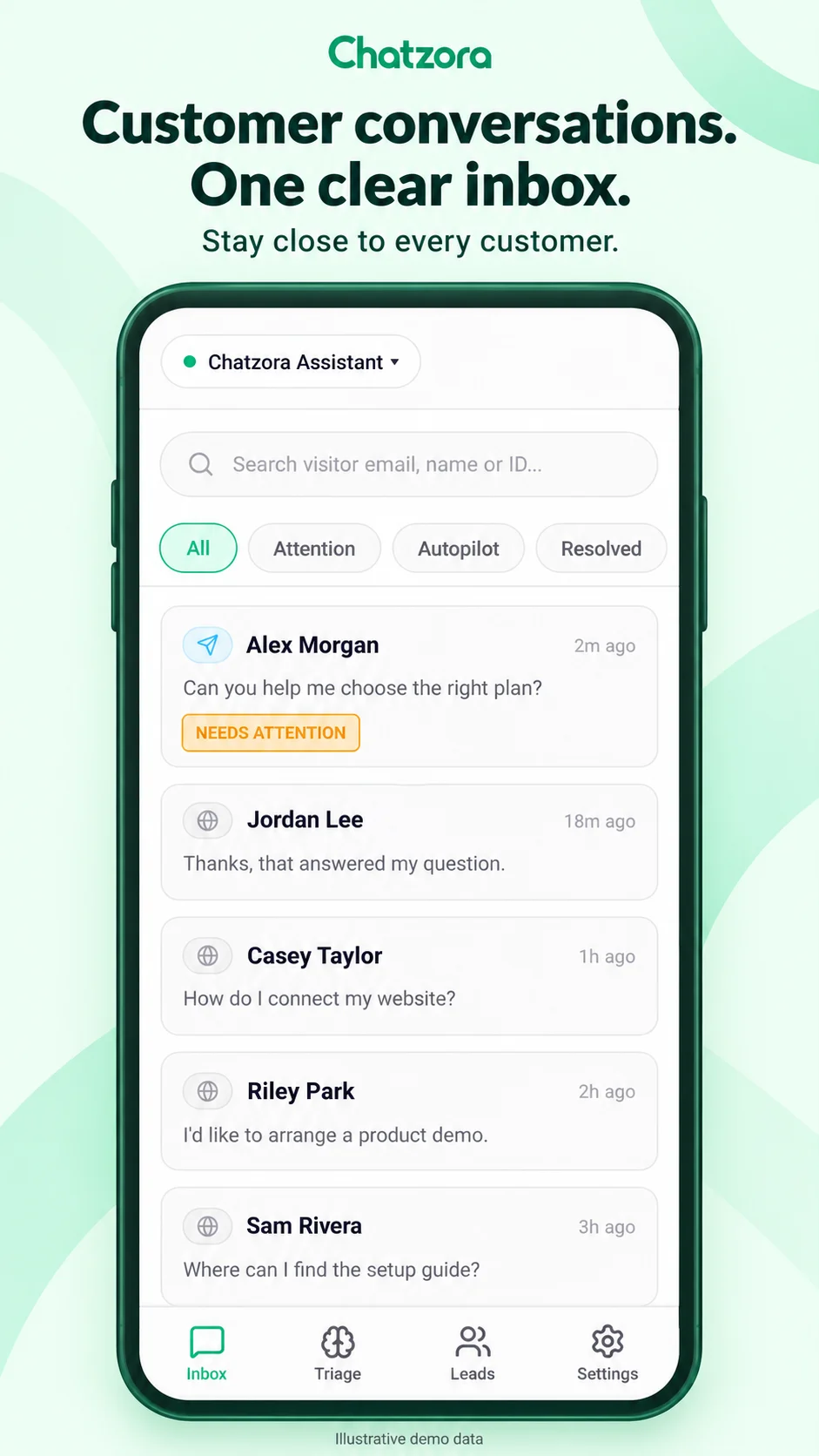
Public chat preview · Mobile demo data
More than a chat window
A business needs to add and update its knowledge, configure an assistant, see what people ask, and step into conversations that need attention. Chatzora puts those jobs in a dashboard, with a website widget for visitors and integrations for Telegram and WhatsApp.
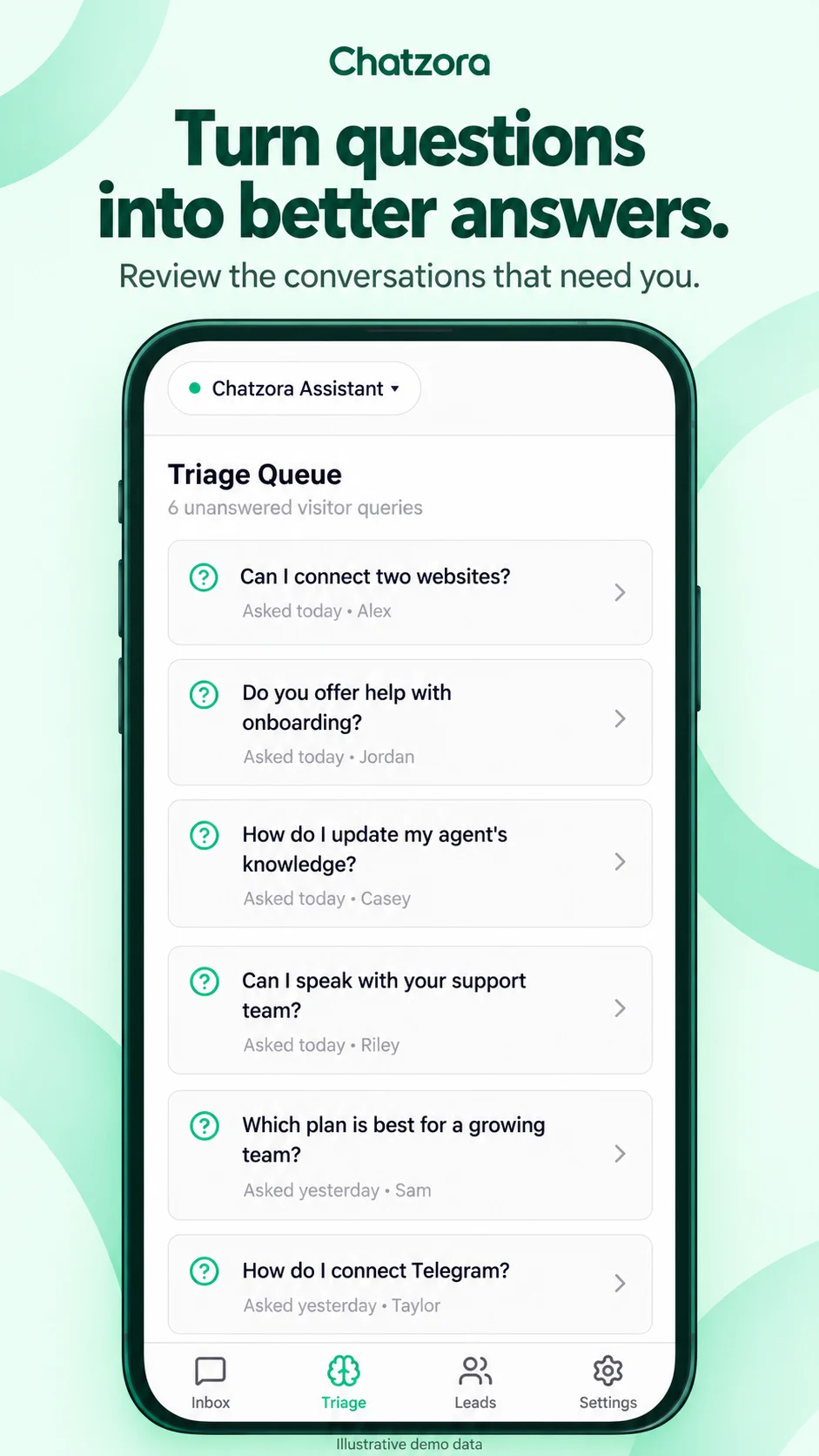
The companion Expo app brings the inbox, triage, leads, and settings to a phone. It shares types and core logic with the web application. The Android app is published on Google Play.
Getting documents ready to answer questions
The knowledge pipeline accepts sources such as website URLs, PDFs, and pasted text. It extracts and cleans the content, splits it into smaller passages, and generates embeddings. Those passages and vectors are stored in PostgreSQL using pgvector.
When a question arrives, the API searches within the selected agent’s knowledge. Relevant passages provide context for the answer. Keeping retrieval scoped to the agent is an important part of separating one business’s material from another’s.
What happens when there isn’t a useful match?
Retrieval needs a way to handle questions that the source material does not answer. Chatzora filters matches using a configurable similarity threshold. When retrieval succeeds but finds no suitable passage and there are no active tools, it can return a configured fallback and mark the conversation as unanswered.
That path gives the owner something to review. It does not make the assistant infallible: the source material, settings, and AI provider still affect the result. Provider or retrieval failures also need separate handling rather than being mistaken for a good knowledge match.
For example, a visitor might ask about a return policy that is missing from the uploaded documents. If no passage passes the threshold and there are no active tools, the configured fallback gives them a response and the unanswered flag gives the owner a question to review.
Keeping the product usable around the model
Next.js route handlers connect the dashboard and chat flow to Supabase authentication, PostgreSQL, and AI providers. The application also handles conversation history, usage limits, lead capture, and subscription billing through Lemon Squeezy.
I built channel integrations and tools for tasks such as commerce lookups and calendar links. These have boundaries: a booking link is not a confirmed appointment, and integrations depend on the business connecting the right accounts. Sentry is integrated into both web and mobile for error monitoring.
How the pieces fit
- 01
Next.js dashboard + widget + Expo app
- 02
Shared TypeScript core and mobile SDK
- 03
Supabase authentication + PostgreSQL/pgvector
- 04
AI providers + connected messaging channels
On mobile
Where it stands
Chatzora is available on the web and Google Play. My work spans the application around the AI model: knowledge processing, conversations, account access, integrations, and the interfaces people use to manage it.
Related note: What Chatzora does when a knowledge search finds no answer →
Have something in mind?
Tell me what you’re building, where things stand, and what you need help with.