Web platform & Android app
Framvo
Photo campaigns for communities, events, and causes.
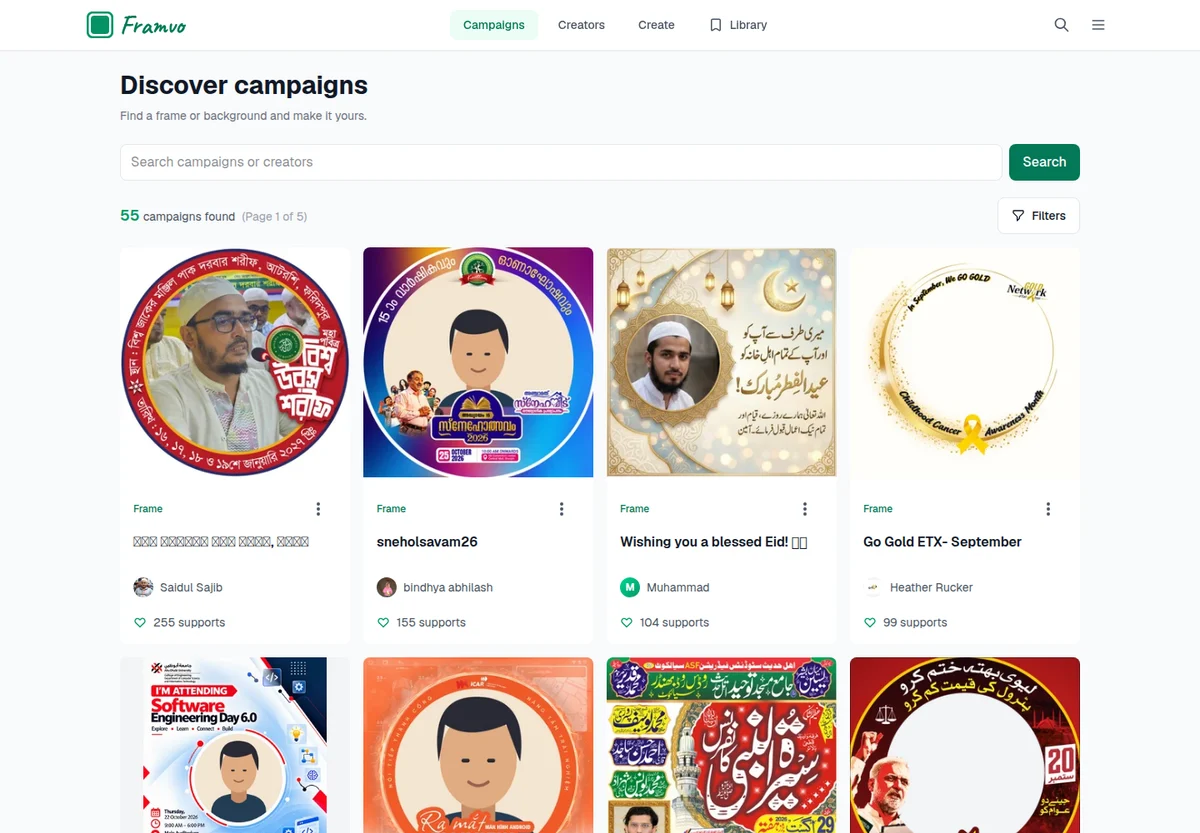
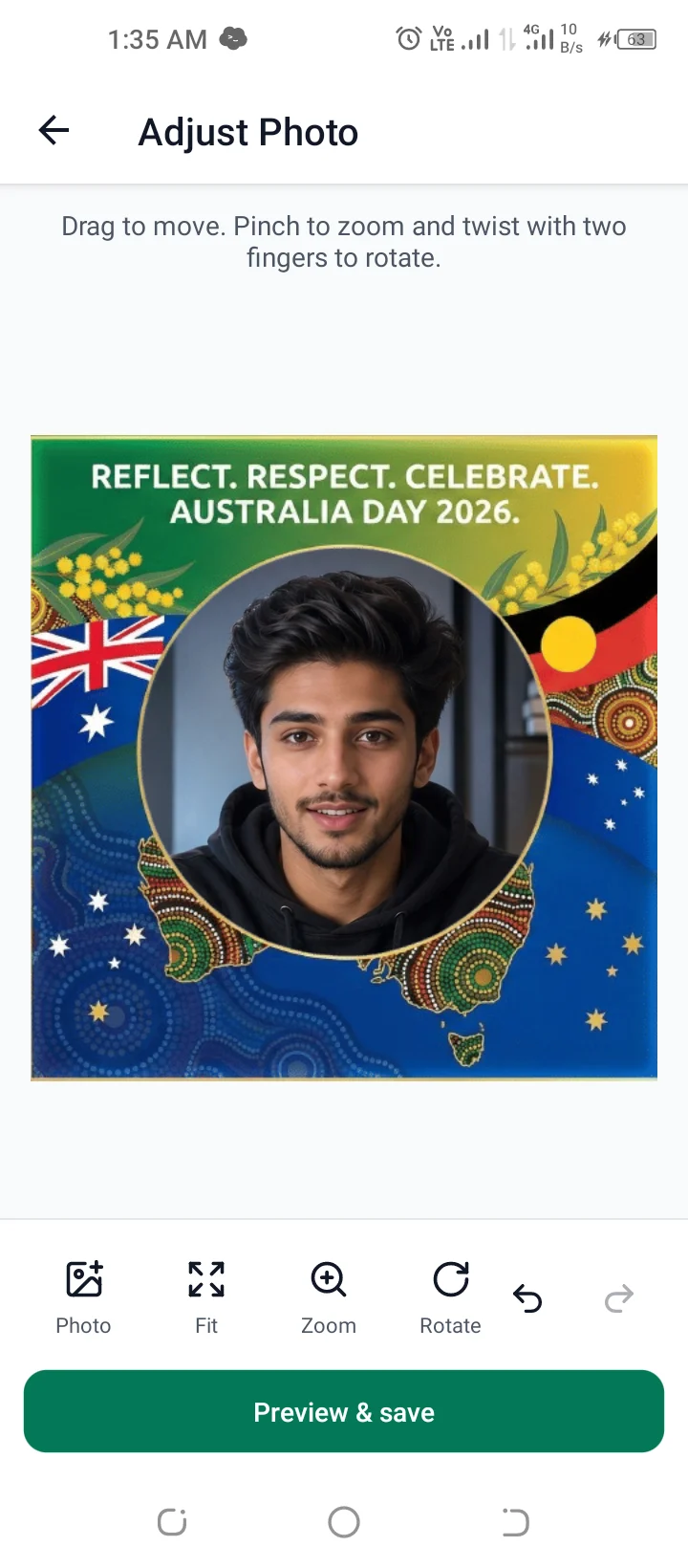
Framvo lets creators publish photo frames and backgrounds for a community, event, or cause. Someone visiting a campaign can add a photo, adjust it, and save or share the finished picture. I built the web platform and the React Native app as one personal project.
Two sides of the same campaign
Creators need a place to upload artwork, preview it with a sample photo, and publish a link. Visitors need a short path from that link to a finished image. Framvo brings both flows together, with campaign galleries and creator profiles so people can find more work.
Frames and backgrounds behave differently. A frame sits in front of the visitor’s photo; a background sits behind it. The editor has to respect that layer order while still letting someone move, resize, and rotate their picture.
Keeping the editor consistent
One of the main engineering problems is the difference between a small editing preview and the exported image. A photo can look right on screen and still come out shifted or scaled incorrectly if those two views use different coordinates.
Framvo has a shared TypeScript composition model for scale, rotation, and position. It maps adjustments from a reference canvas to the output dimensions. The web editor uses Canvas; the mobile app uses native views and image capture for the finished composition. Sharing the coordinate model gives the two clients a common basis without forcing them to use the same renderer.
For example, a photo moved 20 pixels to the right in a 300-pixel preview needs to move 80 pixels in a 1,200-pixel export. I keep that conversion in the shared composition code so the preview adjustments carry through to the finished image.
Artwork, accounts, and the less visible work
The web app uses Next.js, with Supabase handling accounts and PostgreSQL data. Campaign artwork lives in Cloudflare R2, and ImageKit handles image delivery and resizing. Upload requests check the account, file type, and size before issuing a short-lived upload URL.
Publishing user-created content also means handling reports, hidden campaigns, moderation decisions, and appeals. I built those workflows alongside the public gallery. Sentry is integrated into the web and mobile apps so errors can be investigated after a release.
From editing to sharing on Android
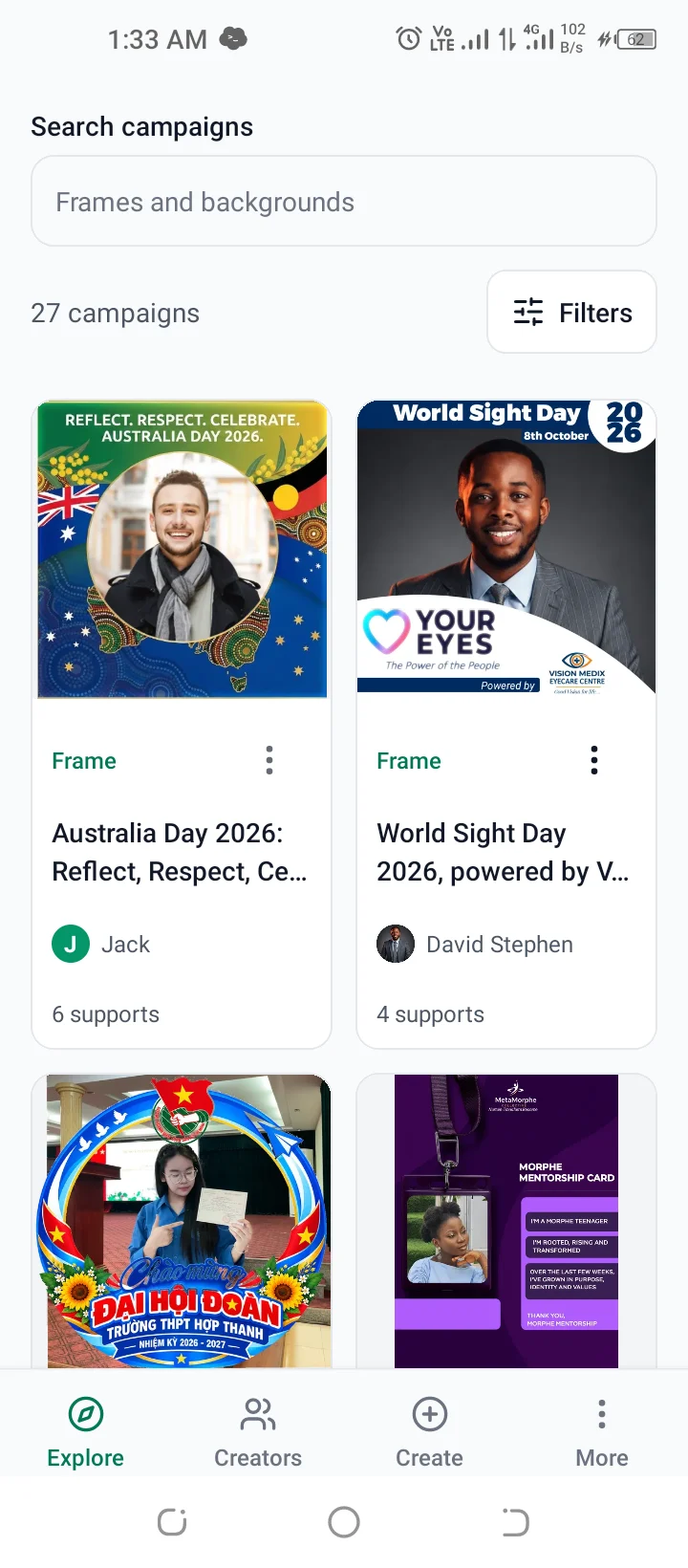
The Expo app includes campaign browsing, creation, photo adjustment, and result sharing. Finishing the image is only part of that flow: saving to a gallery and handing an image to another app have their own permissions and platform behavior.
The Android app is published on Google Play. Campaign browsing and publishing need an internet connection. Saved Library items stay on the current device, and receiving apps decide how they handle a shared caption. Those details matter when describing what the app can do.
How the pieces fit
- 01
Next.js website + Expo mobile app
- 02
Shared TypeScript core and types
- 03
Supabase accounts + PostgreSQL
- 04
Cloudflare R2 artwork + ImageKit delivery
On mobile
Where it stands
Framvo is available on the web and Google Play. I’m continuing to work on the editor, sharing flows, and the experience of creating and finding campaigns.
Related note: Making a photo preview match the exported image →
Have something in mind?
Tell me what you’re building, where things stand, and what you need help with.